

Simulator
For interface testing, operator training, or scenario simulation without connecting a real drone, a UAV simulator is used. This is a fully functional virtual object within the system that mimics the behavior of a real aircraft: movement, telemetry, altitude changes, and speed.
Creating a Simulator
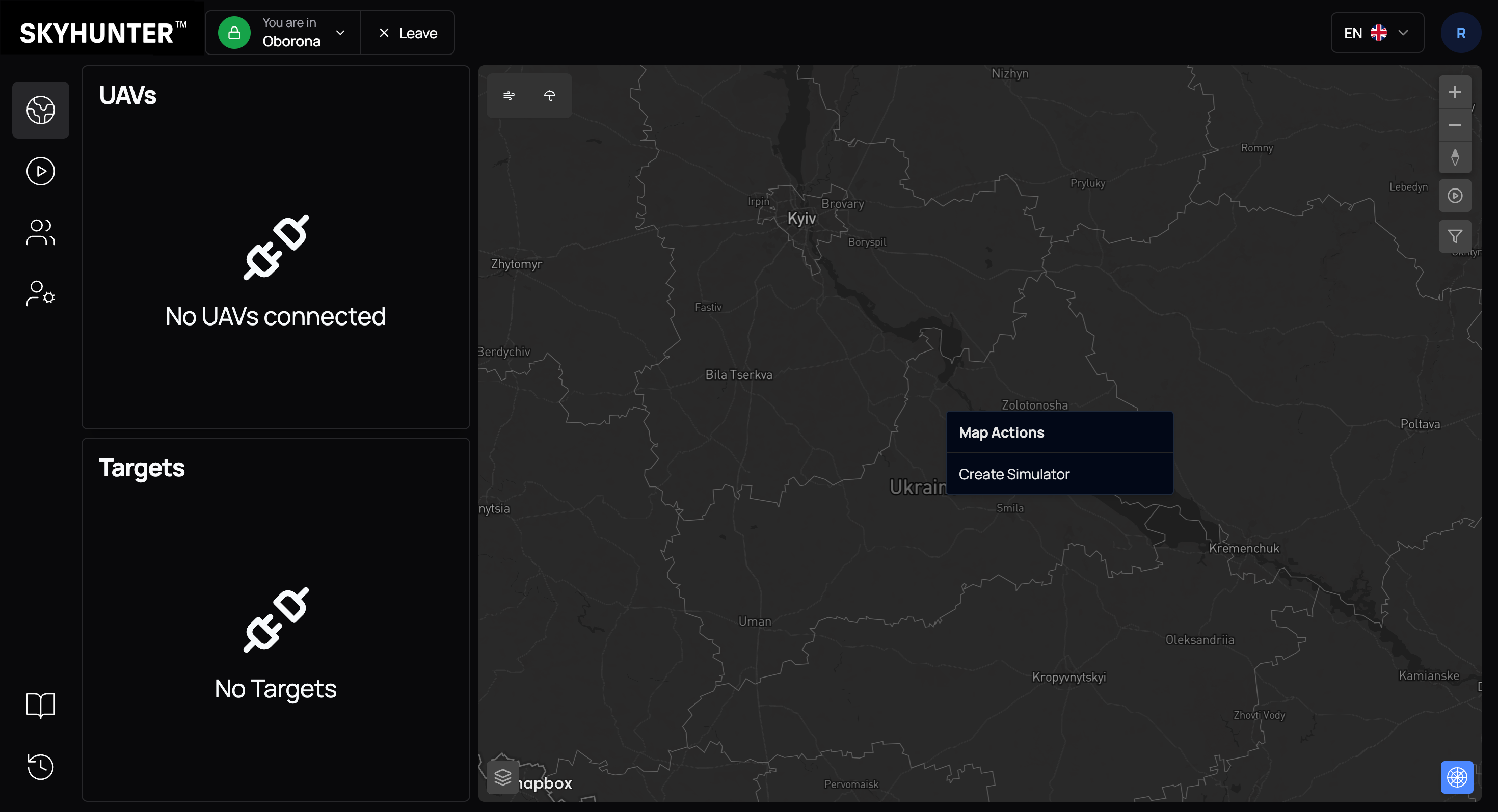
The simulator is created directly from the map. To do this:
- Move the cursor to the desired point on the map.
- Click the left mouse button.
- In the context menu, select Create Simulator.
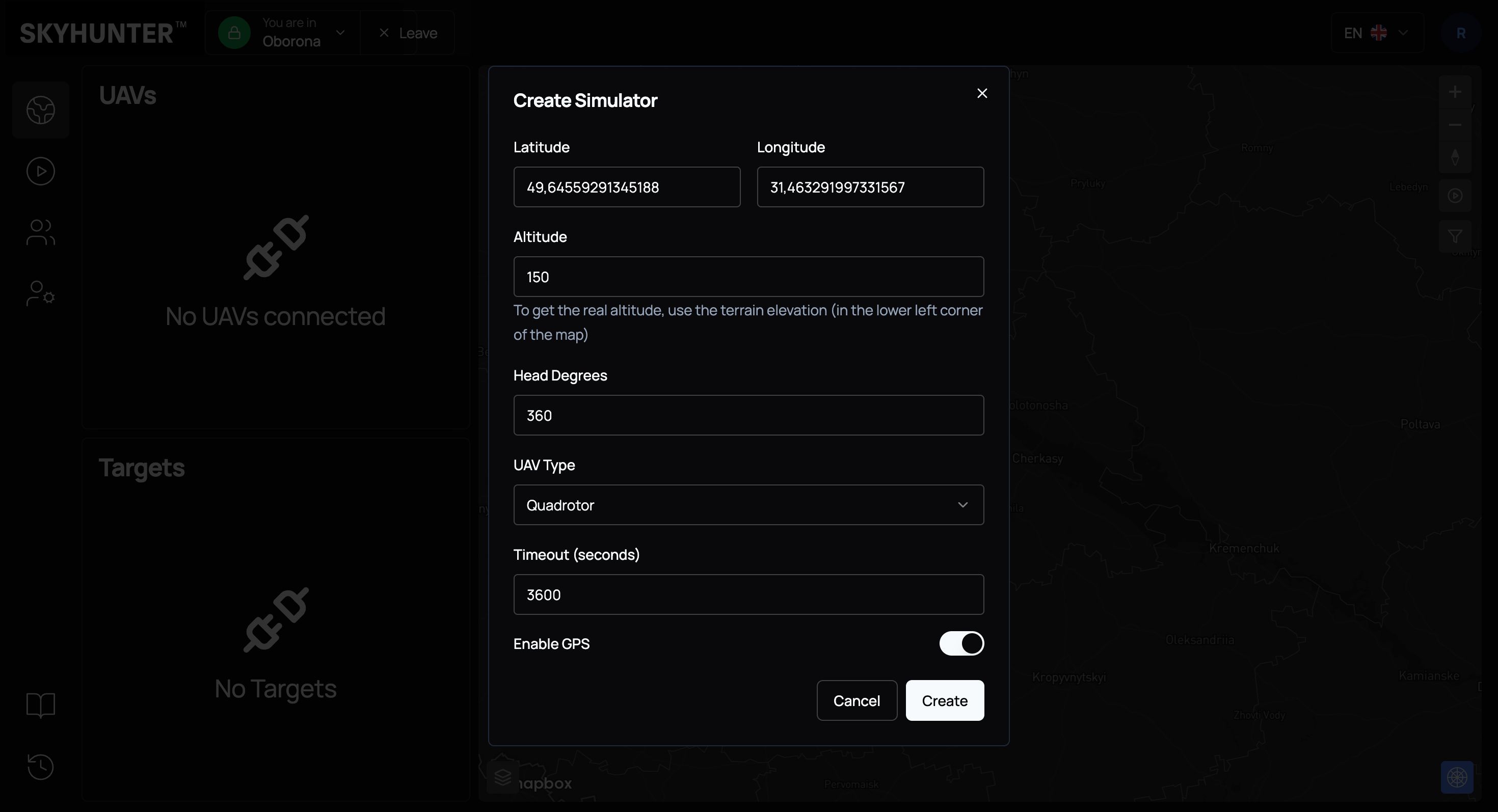
After executing the command, the system creates a virtual UAV that automatically:
- is assigned to the active crew;
- receives initial coordinates at the clicked point;
- starts transmitting simulated telemetry.
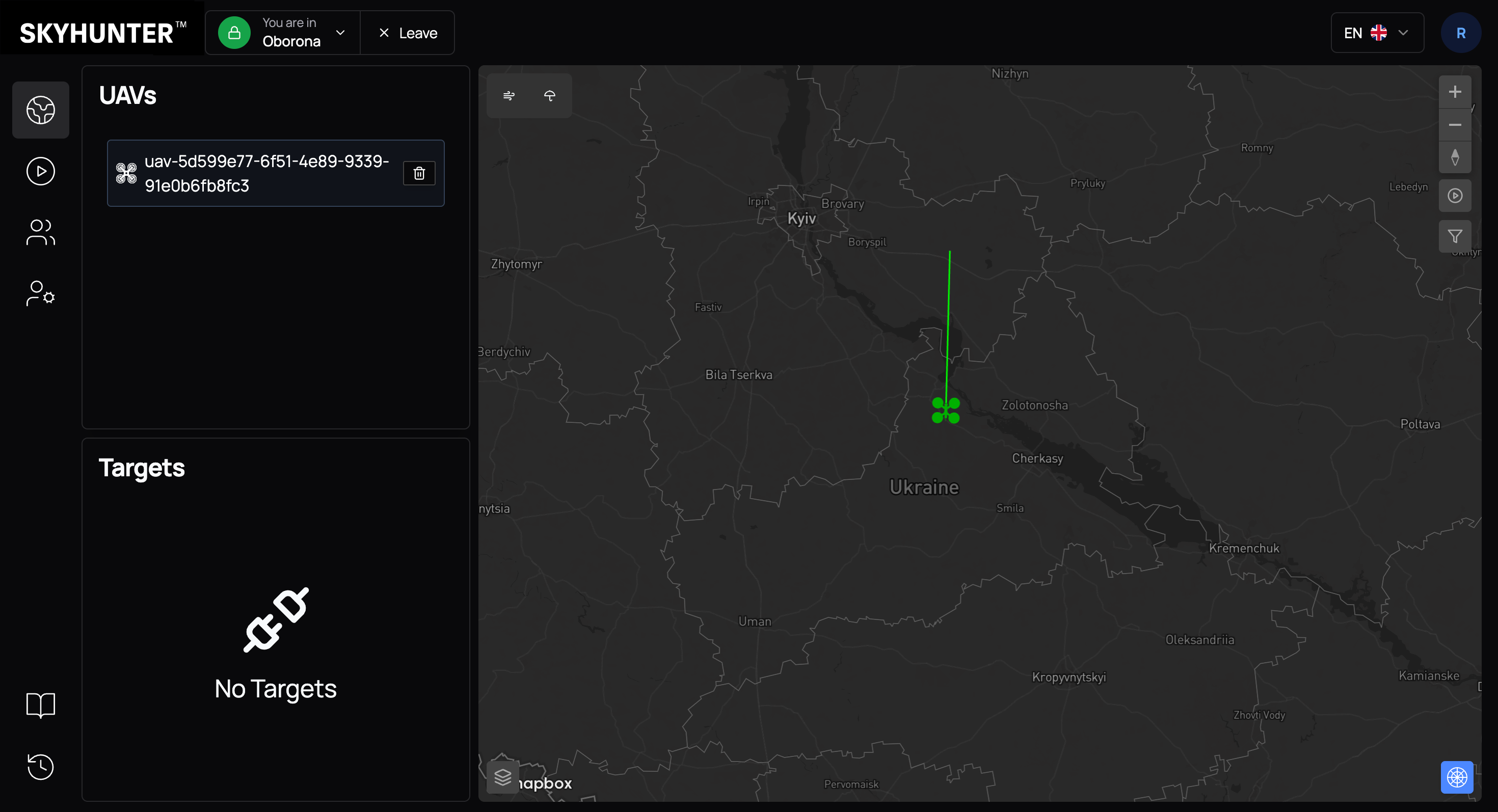
After 1–3 minutes (time required for service initialization and data synchronization), a green icon of the selected simulator type appears on the map — this indicates an active simulated UAV.
Along with the drone, the following are displayed:
- a green line — flight direction;
- a telemetry panel with speed (S, km/h);
- flight altitude (A, m).
The simulator allows you to:
- test control modes;
- validate target tracking algorithms;
- simulate interaction between multiple UAVs;
- train new operators without risk to real equipment.