

Telemetry — Mission Planner
To transmit telemetry, we need to configure Mission Planner:
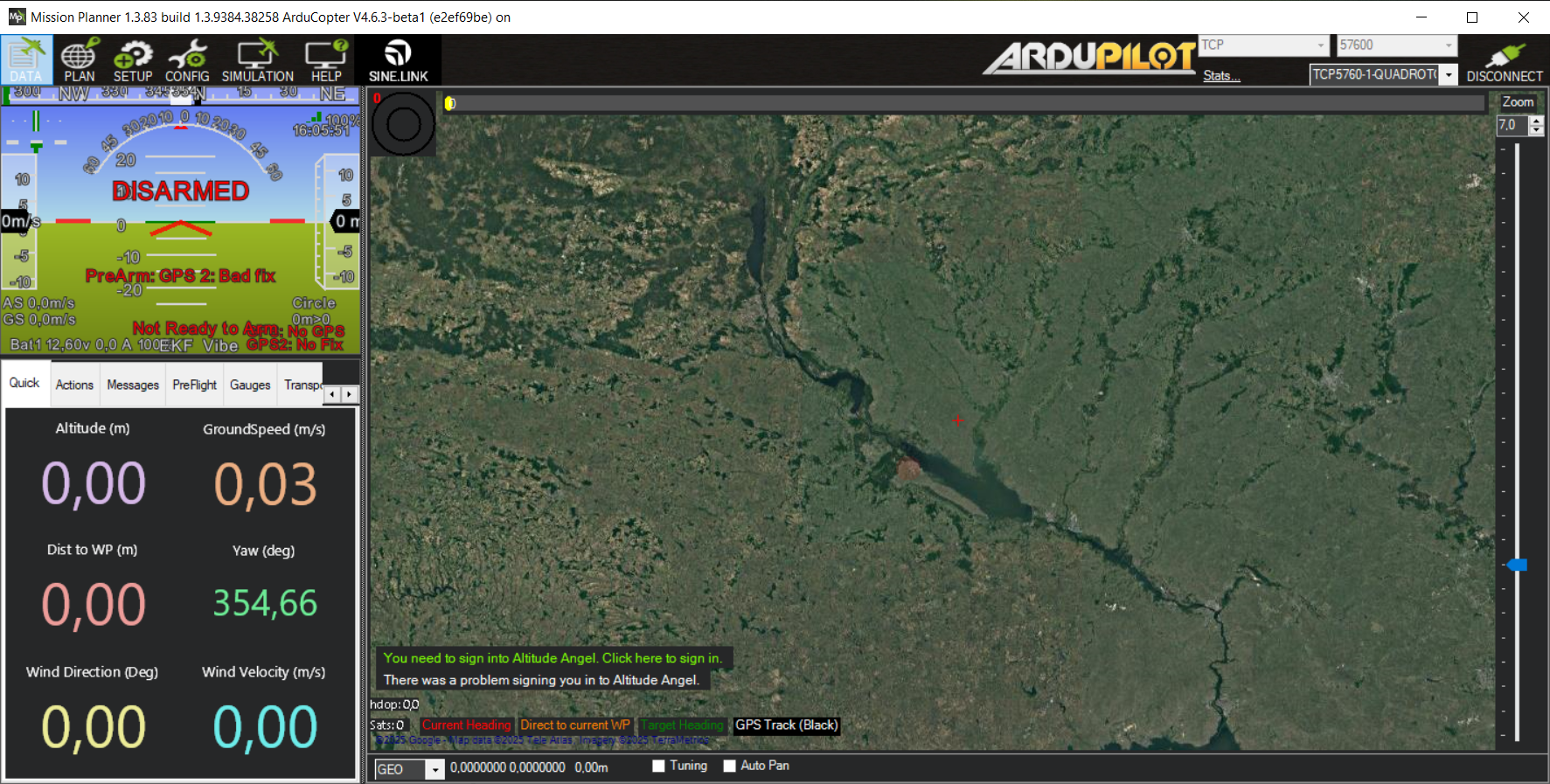
Connect to Mission Planner.
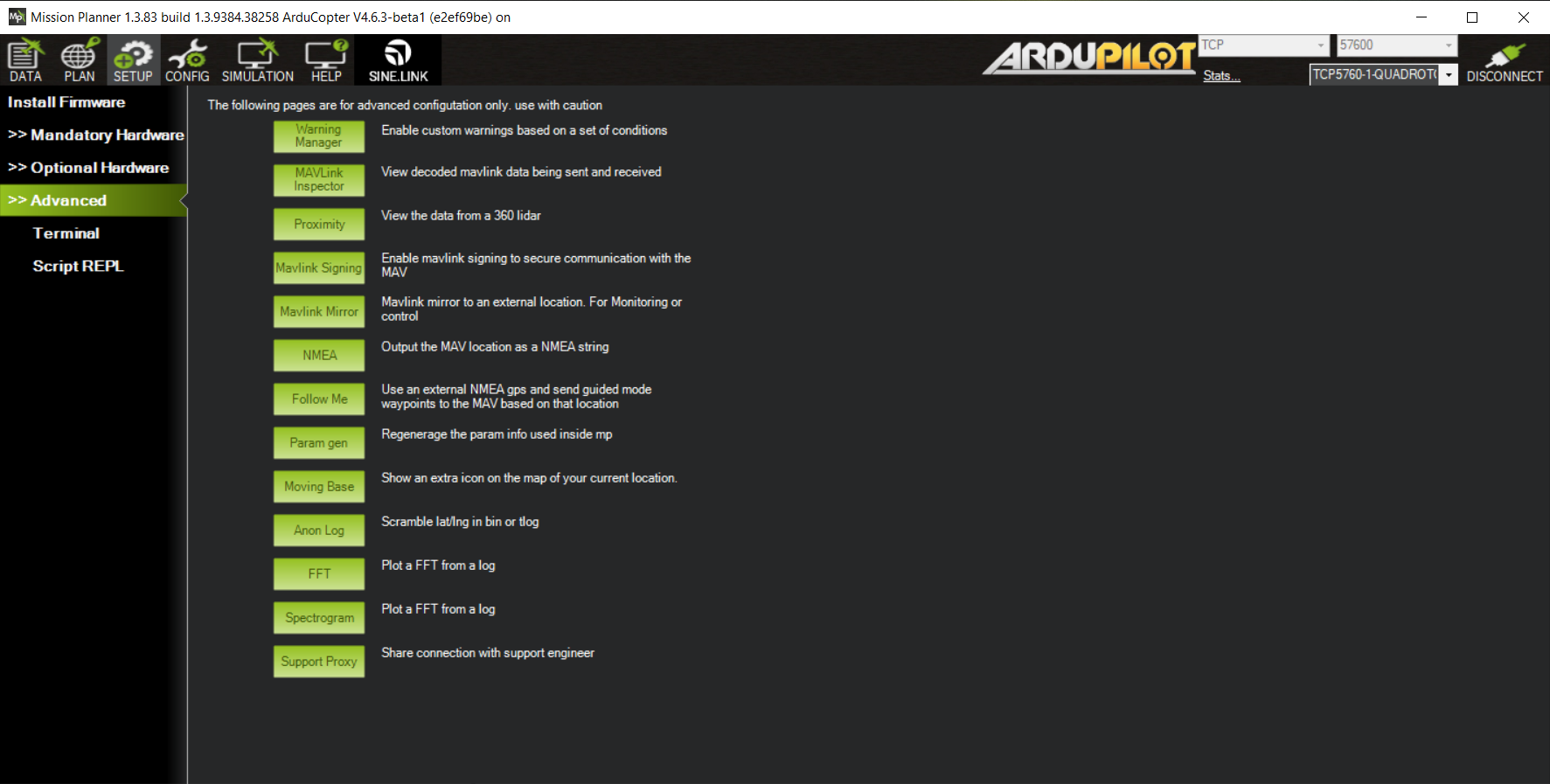
Go to Setup/Advanced, click on Mavlink Mirror, and enter the required parameters (IP address 78.193.54.121 — use the one provided at the beginning. Make sure to check the Write checkbox).
Click GO.
NOTE
If it does not connect, you either do not have a VPN connection or the data provided is incorrect (Host or port).
