Getting to Know the System
SkyHunter is a modern system for monitoring, detecting, and intercepting aerial targets, operating with teams of operators (crews). The system architecture is designed so that each crew has its own isolated data space: its own UAVs, its own targets, its own event logs, and telemetry.
This ensures secure access, clear separation of responsibilities between teams, and effective coordination during mission execution.
At the current stage, the SkyHunter system does not support open registration. To become a user, you must receive a personal invitation via email. The invitation is sent by an administrator or a responsible person in your unit.
Receiving an Invitation and Setting a Password
The email you receive will contain a special link to the password setup page.
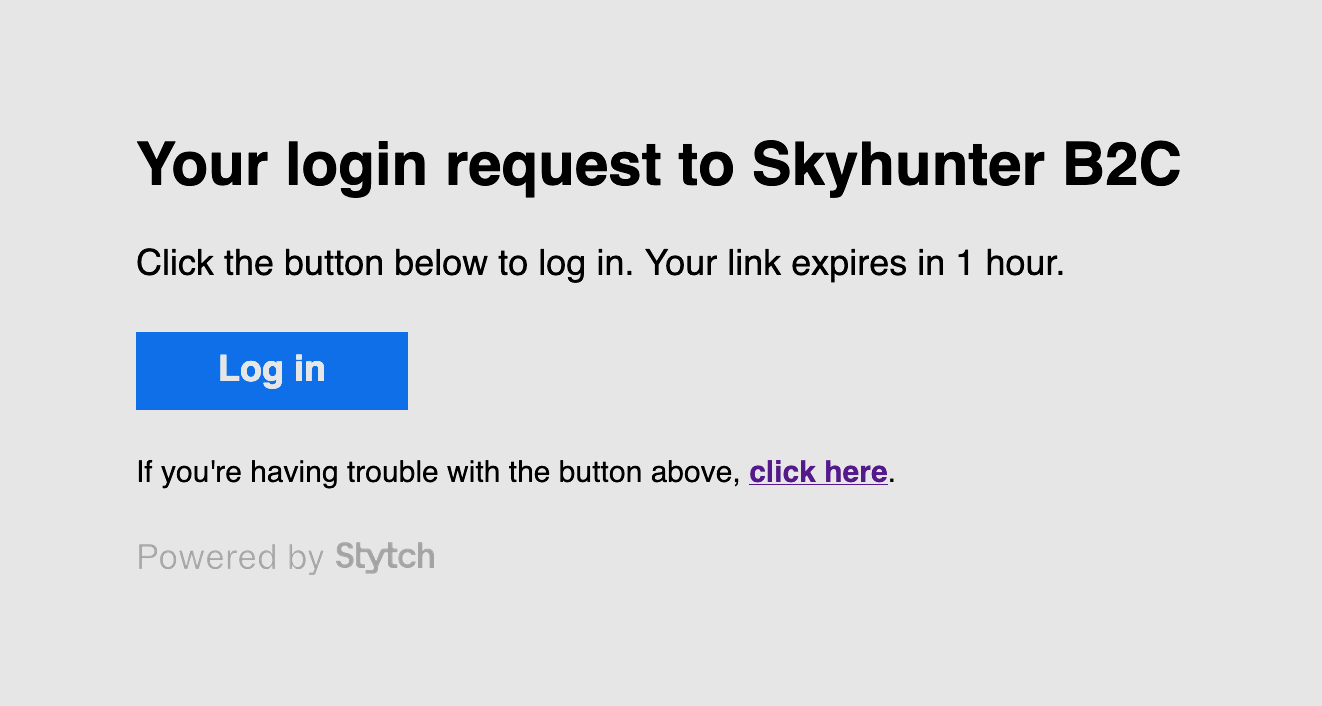
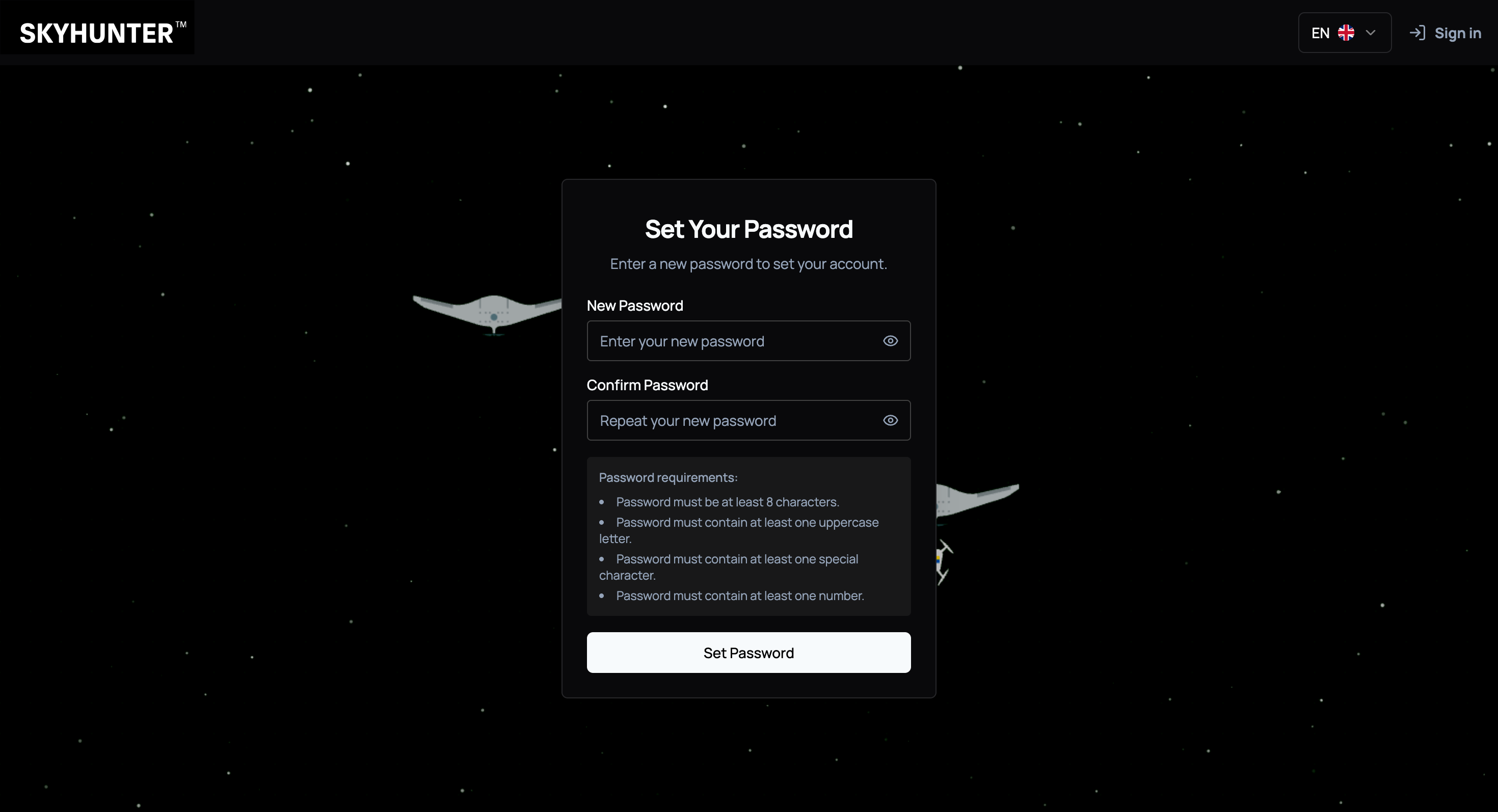
After following the link, a form will open where you need to:
- enter a new password;
- confirm it by entering it again;
- save the changes.
It is recommended to use a strong password that includes uppercase and lowercase letters, numbers, and special characters — this increases the security level of system access.
After successfully setting the password, the account will be created.
Login to the User Dashboard
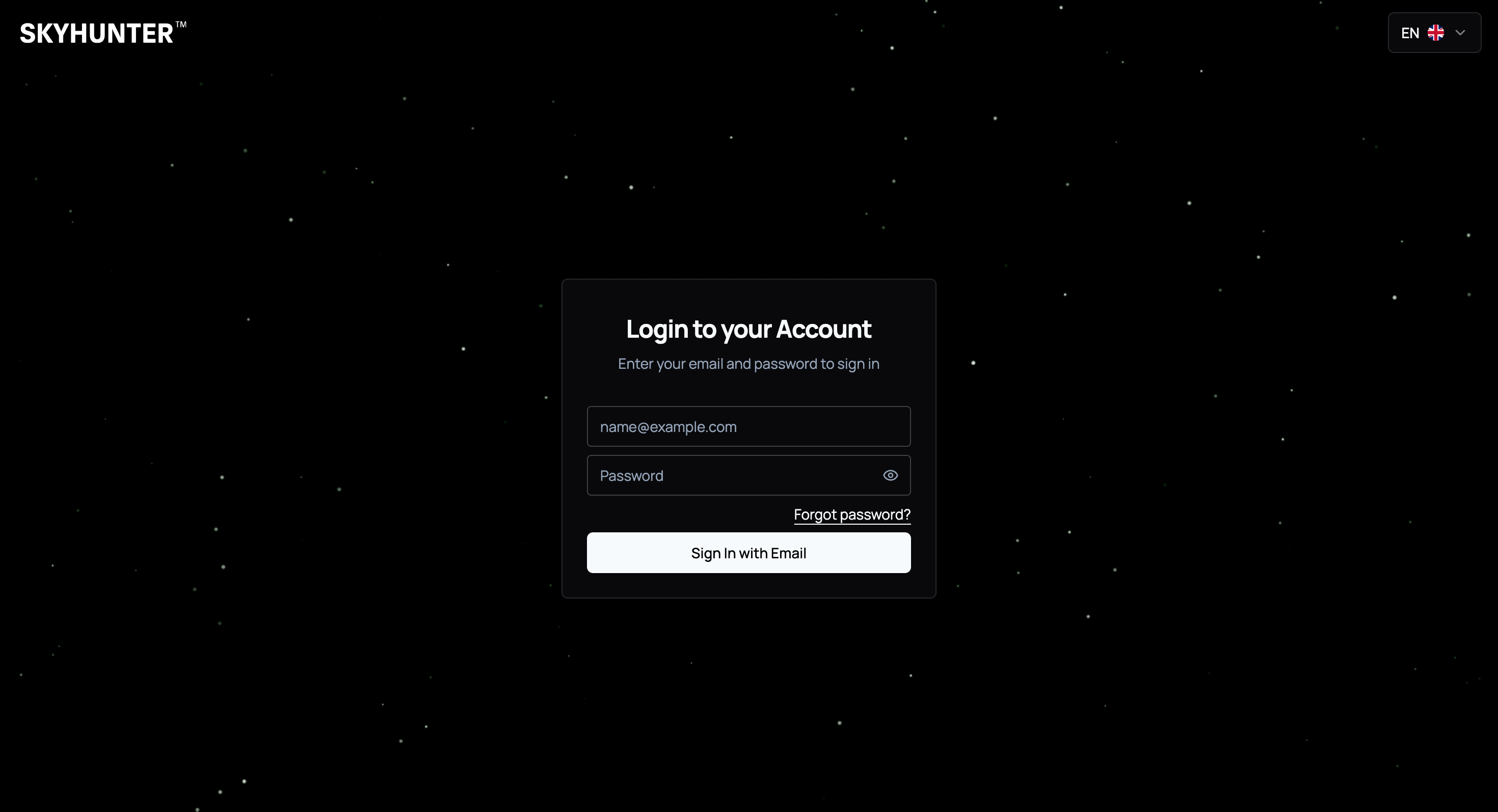
After setting the password, the user can log in to the system via the authentication page.
On the login page, you need to:
- enter your email address;
- enter the password you set;
- click the login button.
After successful authentication, the user dashboard will open.
User Profile
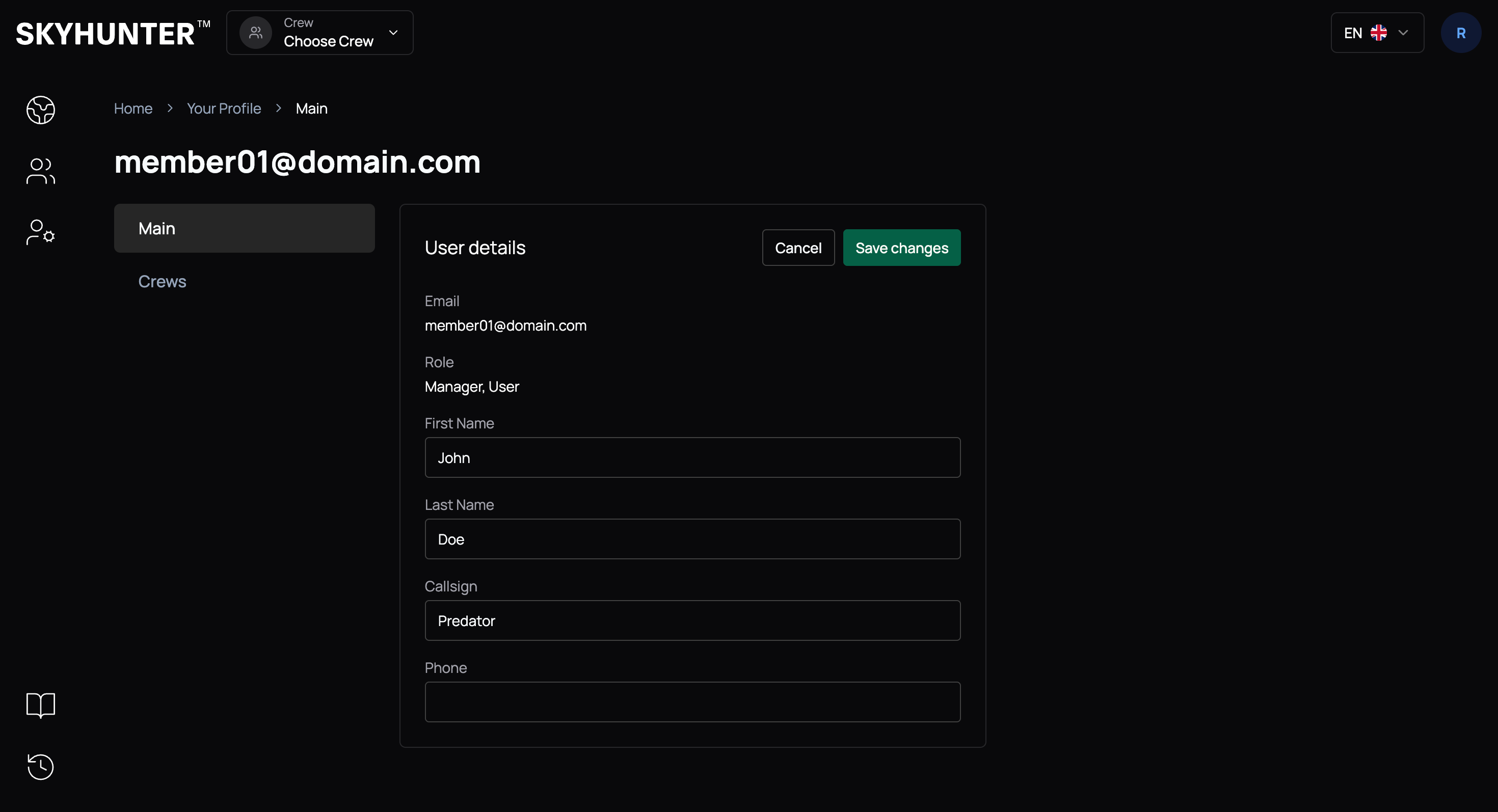
To add your details (or edit them), go to profile editing.
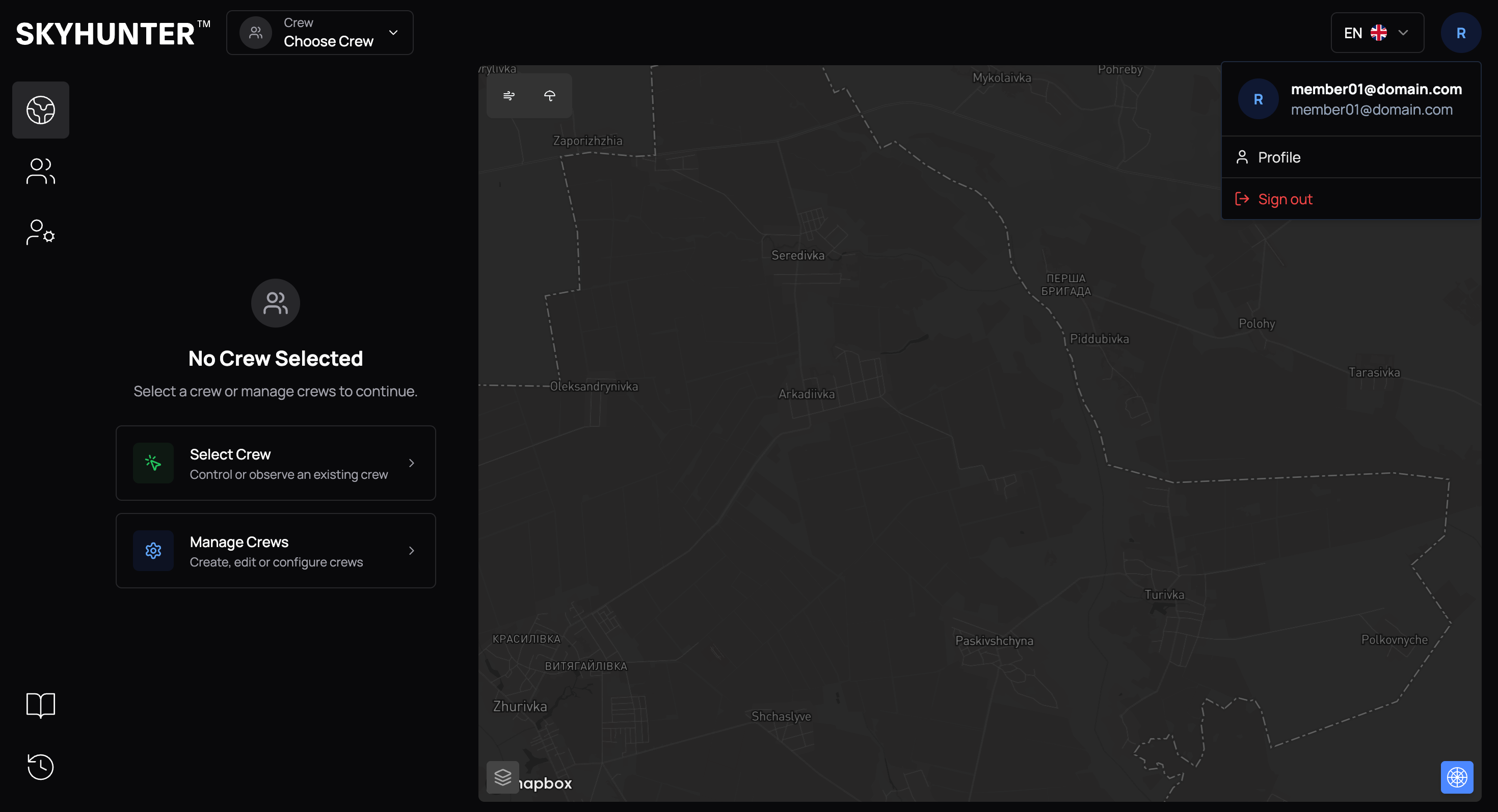
To do this, click the profile icon in the top-right corner and select Profile.
Then, in the Main tab, click Edit.
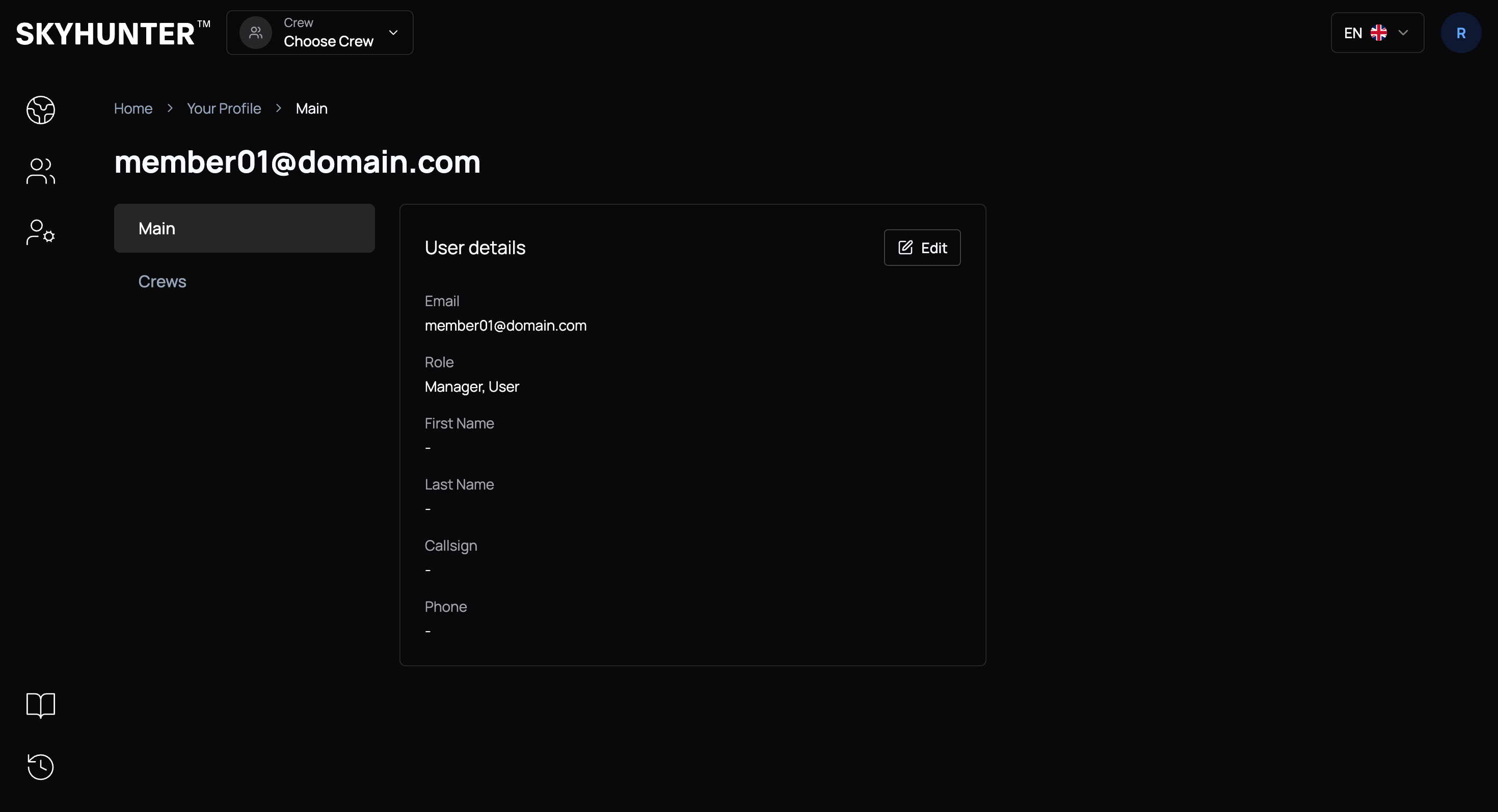
Optionally, add (or edit): first name, last name, callsign, and phone number, then save the changes by clicking Save Changes.