

Replays
The Replays section is предназначен for viewing recorded crew flights.
It allows analyzing UAV actions, reconstructing mission flow, and conducting post-flight debriefing.
Key Replay Capabilities
- replay UAV flight paths
- view telemetry data over time
- analyze UAV behavior during the mission
- track interaction with targets and tracks
- identify navigation or control errors
Accessing Replays
To open replays:
- Select a crew and go to the Home tab
- In the Replays block, click View Replays
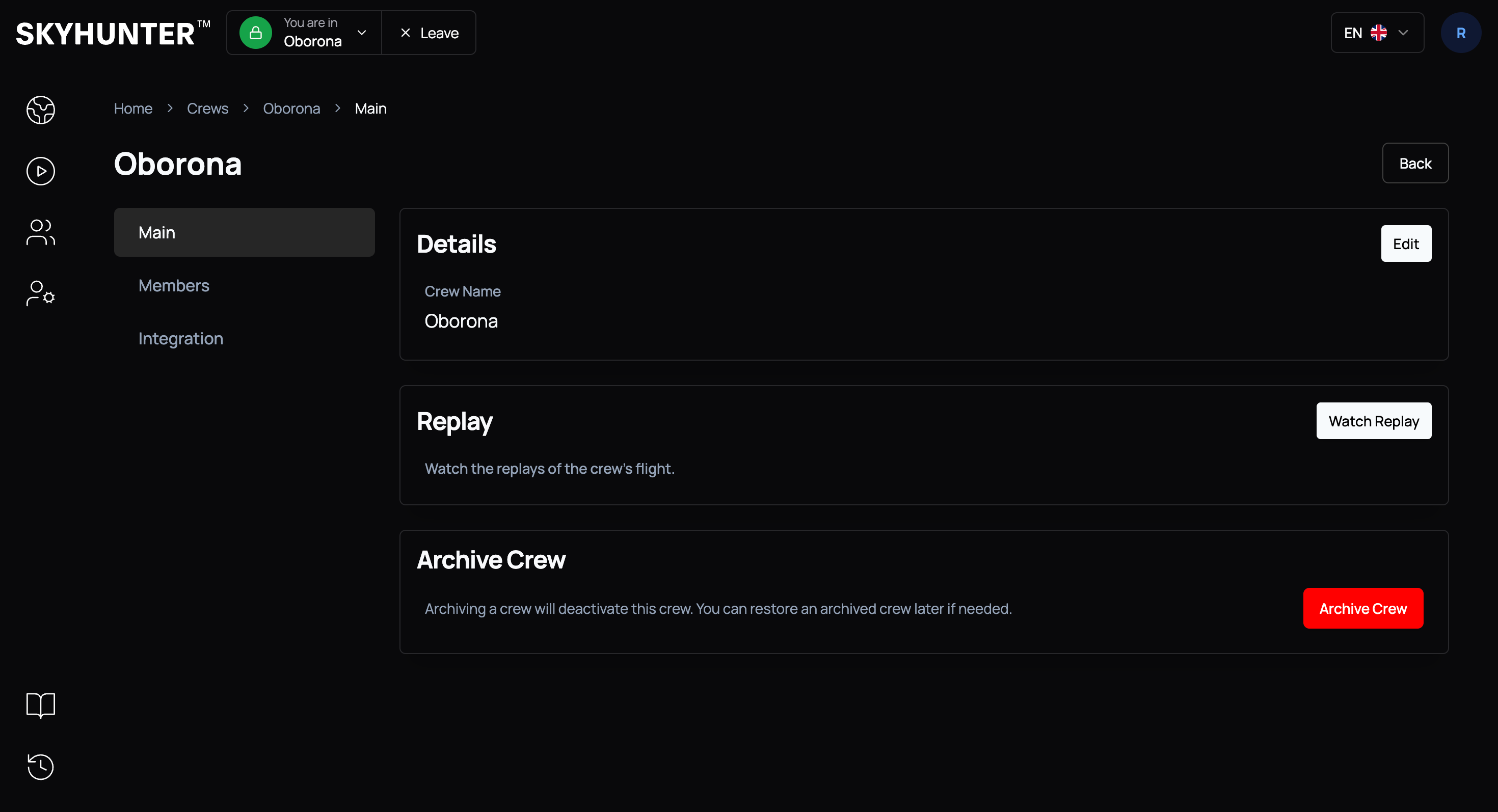
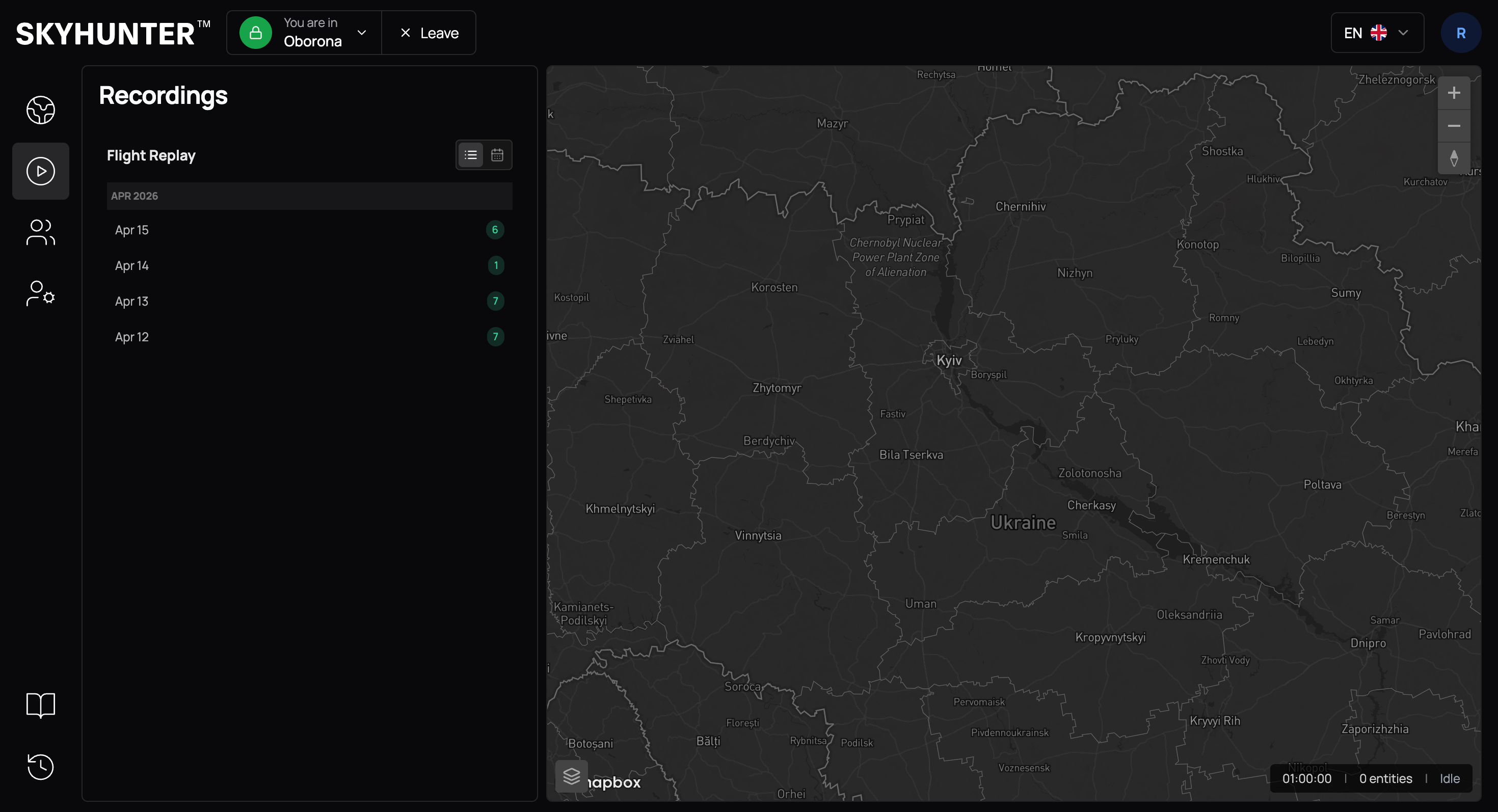
- A list of available flight records will open — select the one you need
Replay Structure
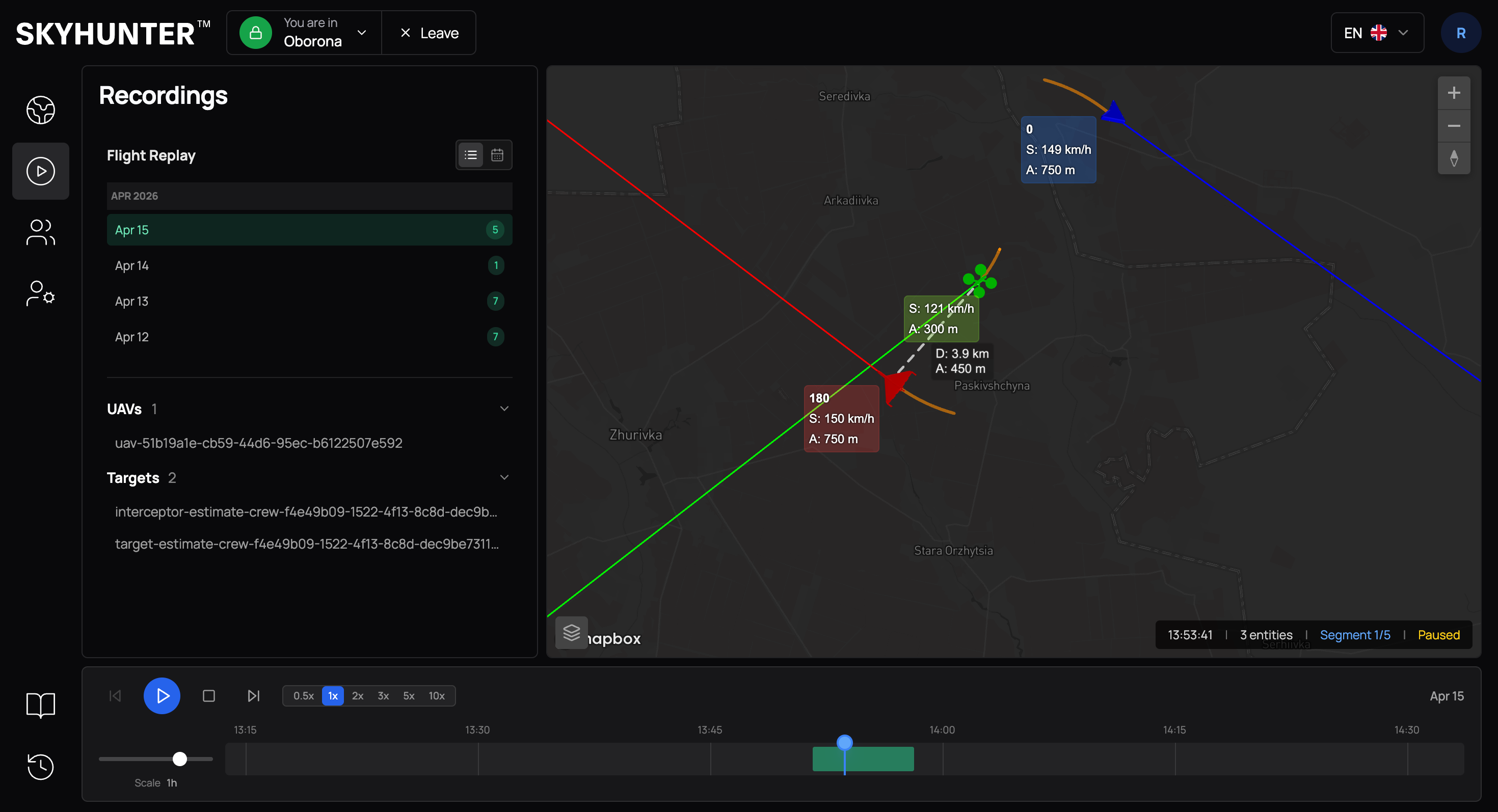
Each replay includes:
- flight timeline
- UAV route
- target routes
- position at each moment in time
- mission events (if available)
Replay Controls
During playback, the following actions are available:
- play
- pause
- fast forward
- rewind
- stop
The operator can review the flight at any point in time.
Replay Usage
1. Mission Analysis:
- evaluate mission effectiveness
- verify navigation accuracy
- analyze decision-making
2. Issue Detection:
- telemetry failures
- inertial navigation errors
- control issues
3. Operator Training:
- review completed missions
- demonstrate correct scenarios
- learn from mistakes